Northstar project
Four items from different places are now connected to the same matter.
Send the revision by FridayWaiting for two client confirmationsOriginal sources and files retained

Not another system to maintain
Information arrives in its natural form. Ahaya understands the people, events, dates, and sources, then connects them into memory you can act on.
From scattered information to actionable memory

Four items from different places are now connected to the same matter.
Ahaya understands, organises, and connects it in the background.
Three changes that matter
Ahaya recognises the person, date, and next step from your own words. The original stays intact.
The important item arrives with its reason and a prepared next step. Decisions that matter remain yours.
It cites the two missing items from the client's email.
Stop rebuilding context across email, recordings, files, and messages. Ahaya returns the answer with its sources.
Searching Northstar email, meetings, and files
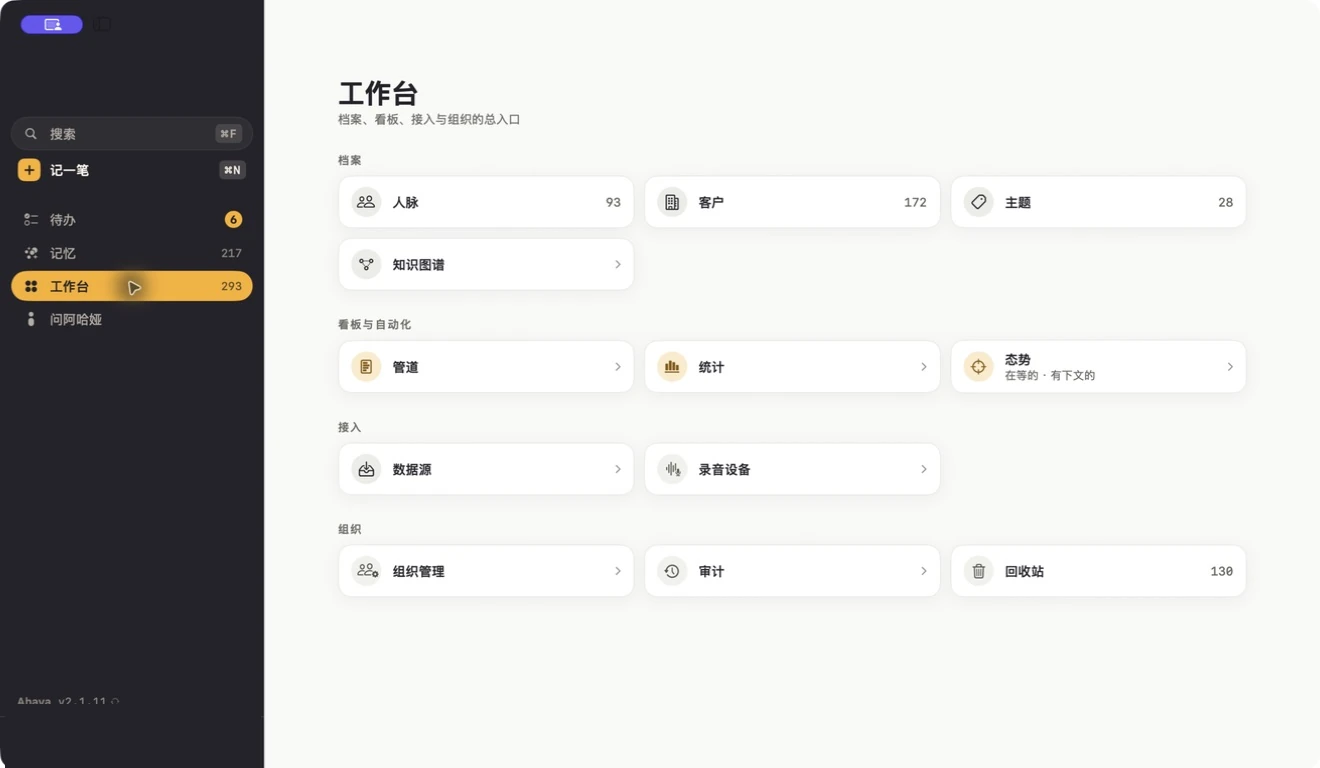
Mac and iPhone
Use the Mac to see and think. Use the iPhone to capture in the moment. Both connect to the same memory.
Speak, take a photo, or add a file
Mac is for seeing and thinking
iPhone is for capturing
Shared memory that keeps growing
You capture things so you do not forget. The right people see the same context within their permissions. Knowledge no longer lives in one person's head.
Capture now, find it later, and stop carrying it around mentally.
Email, files, history, and the next step stay around the same matter.
Appointments, receipts, care, and plans keep their source and can be handed over.
Organised information never replaces the original email, recording, photo, or file.
Important conclusions link back to their source so you can judge for yourself.
External sending and meaningful changes remain under your control.
Ahaya is currently in limited access on Mac and iPhone. Tell us what you would most like it to remember for you.
Request access